Who we are
ByeByeBytes is made by Kogasa Studio, an independent app studio in Switzerland. This policy explains what happens to your information when you use ByeByeBytes. Who is responsible is in our legal notice. If you have a question, write to us at hello@kogasastudio.com.
Access to your photos
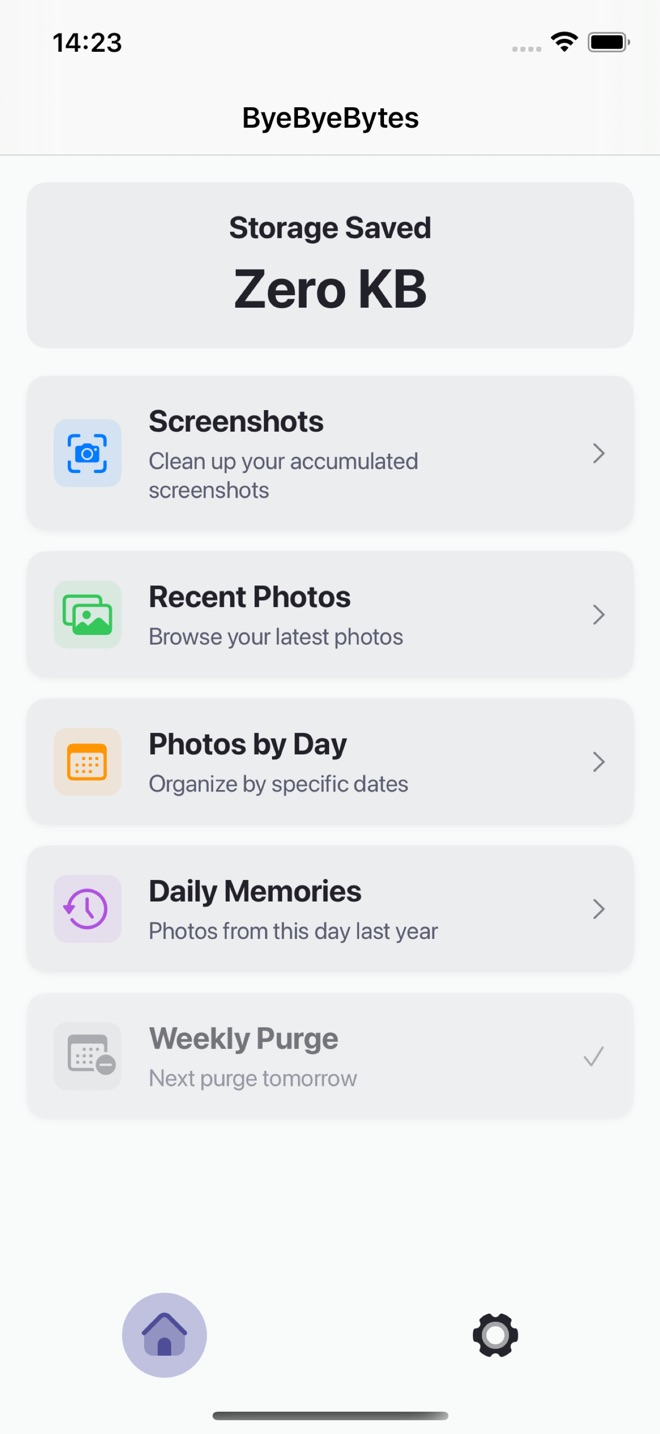
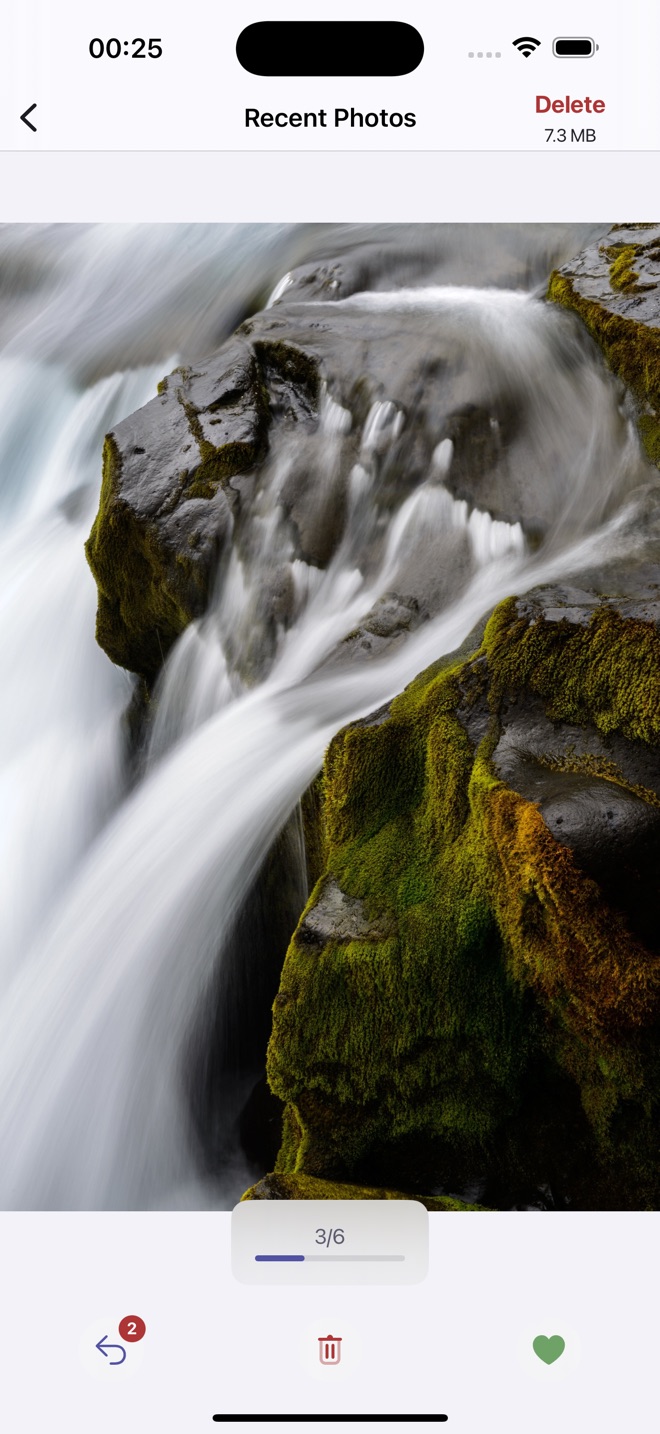
ByeByeBytes asks for access to your photo library so it can show you your photos and delete the ones you choose. Your photos are read on your iPhone and never leave it: they are not uploaded, copied to a server or seen by us. Finding similar photos also happens entirely on your device.
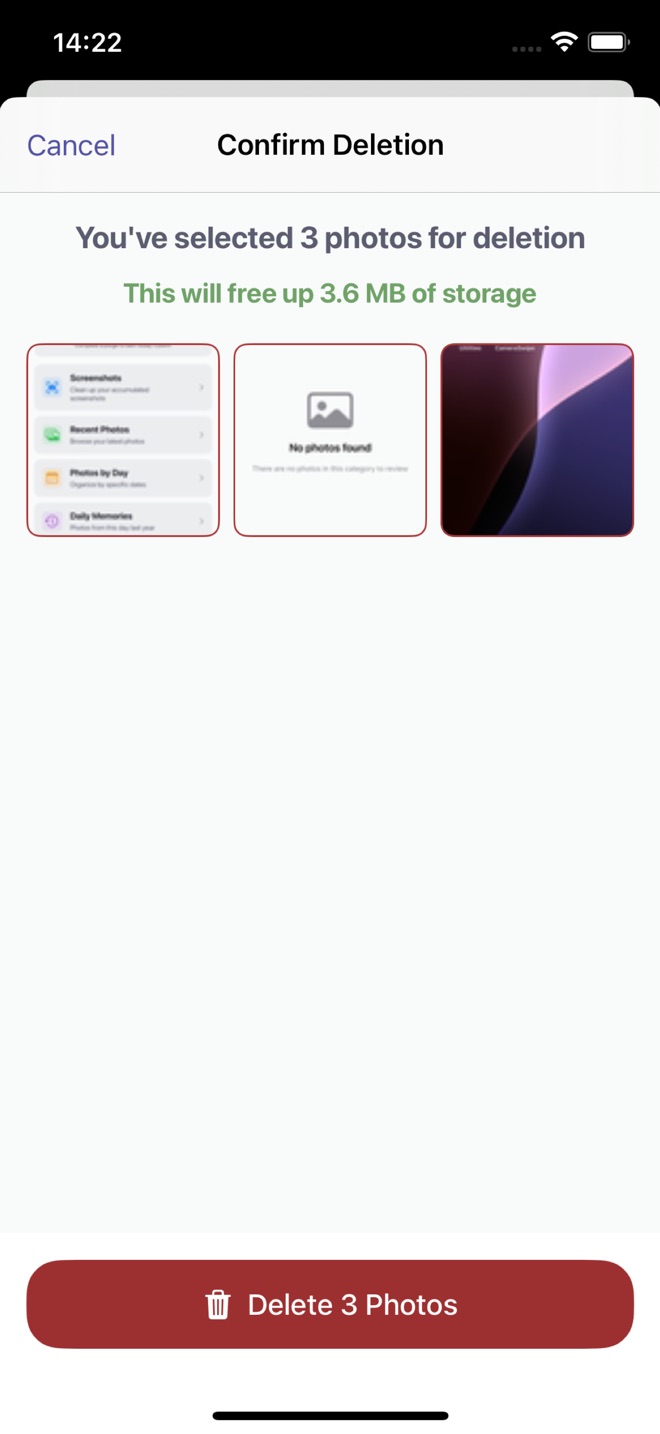
Photos are deleted only after you confirm. They go to the Recently Deleted album of the Photos app, as if you had deleted them there. If you use iCloud Photos, Apple syncs the deletion to your other devices, just as it does for deletions in Photos.
You can change or withdraw photo access at any time in Settings › Privacy & Security › Photos.
What ByeByeBytes stores
To pick up where you left off, the app keeps a little information on your iPhone:
- which photos you have already sorted (internal photo identifiers, not the photos themselves)
- the progress of your sessions and the total space you freed
- your settings, such as the appearance and the weekly reminder
This information stays on your iPhone. It is not synced to iCloud and never sent to us. Deleting the app deletes it.
Reminders
The weekly reminder is optional. It is scheduled on your iPhone by iOS; no server of ours is involved.
What we do not do
- We do not ask you to create an account.
- We do not use analytics, tracking, advertising or crash reporting services, and ByeByeBytes includes no third-party code that does.
- We do not sell, rent or share any information about you.
If you have chosen to share analytics with app developers in your device settings, Apple may give us anonymous, aggregated statistics such as the number of downloads or crashes. These never identify you.
Writing to us
If you contact us from the app, your Mail app opens a message for you to send. When you send it, we receive your email address and whatever you write. We use it only to answer you and delete it when it is no longer needed.
Children
ByeByeBytes collects no personal data from anyone, including children.
Your rights
Under the Swiss Federal Act on Data Protection and the EU General Data Protection Regulation, you have the right to know what personal data is held about you and to have it corrected or deleted. Because we do not hold any data about you from ByeByeBytes, there is nothing for us to hand over or delete. You are welcome to contact us with any question.
Changes
If ByeByeBytes ever changes how it handles your data, we will update this page and the date at the top before the change reaches the app.
Terms of use
ByeByeBytes is provided under Apple’s standard licence agreement for apps (the Licensed Application End User License Agreement).